












Vehicle images look like a special asset class until you integrate them, at which point they turn out to be what a frontend wants every asset to be: a URL with parameters. This article walks through the integration pattern for component frameworks. The examples read as React, and the pattern is identical in Vue, Svelte or anything else that renders an <img> tag.
The shape of the API
Every image lives at a predictable path: brand, model, year, variant, trim, then the view. Options travel as query parameters. A request like /api/Abarth/124_Spider_Abarth/2016/Basis/base/front_left?format=webp&width=1200 returns JSON with metadata and a signed image_url ready for an image tag. Authentication is a single x-api-key header; there is also an npm package (npm install vehicleimagery) that wraps these calls.
Rule one: resolve server-side, render client-side
The one architectural decision that matters: do not call the API from the browser. Your API key does not belong in client code, and the resolution step (identifier in, vehicle out) belongs where your data lives. Resolve the vehicle in your backend or at build time, store the path and the signed URL alongside the vehicle record, and let components receive an image URL as an ordinary prop. The component tree never knows a vehicle API exists; it renders strings.
- API key stays server-side, where keys belong
- One resolution per vehicle per catalogue update, not one per page view
- Components stay dumb, testable and framework-portable
Responsive images come free
Because dimensions are request parameters, srcset is just the same URL at three widths: request 600, 1200 and 2000 pixel variants and let the browser choose. Serve format=webp as the default; fall back to PNG only where you genuinely composite over transparency in canvas or print. The payload difference on a listings grid is not subtle.
The details that separate good integrations
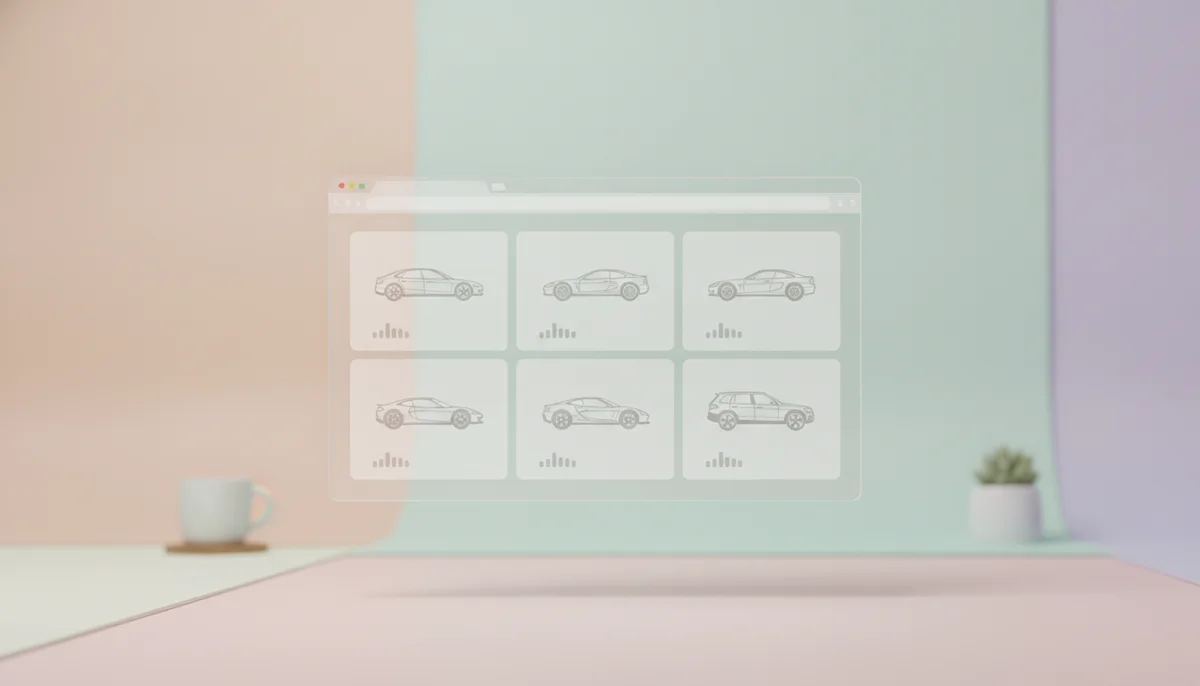
- Lazy-load everything below the fold; a listings grid is the textbook loading="lazy" case
- Reserve aspect ratio in CSS so the grid does not reflow as images arrive
- Write real alt text from the data you already hold: year, make, model, trim, colour, angle
- Cache image URLs in your own store or CDN; re-resolve on catalogue update, not on request
- Check the errornotes array in responses. The API tells you when it substituted a fallback, for example a neighbouring model year
A component's whole job
The end state is boring, which is the point: a VehicleImage component that takes a resolved URL, a width hint and alt text, and renders an image tag with srcset and lazy loading. All vehicle intelligence lives in the data layer where it can be cached, logged and swapped. If your component knows what a VIN is, the boundary is in the wrong place.
Loading and error states
Two states deserve design attention before launch. While an image loads, a fixed-ratio skeleton keeps the card stable, and because every vehicle ships in identical framing, one silhouette placeholder works for the whole catalogue. When a lookup fails or a vehicle has no image yet, fall back to a deliberate branded placeholder rather than a broken image icon, and log the identifier so the gap is a data ticket instead of a mystery.
Full parameter reference and response shapes are in the API documentation; the vehicle image API page covers lookup by VIN, plate and search for the resolution step.