
Your sellers upload whatever their phones produce. Your search grid pays the price. Resolve every listing's vehicle data to a studio image and give the platform one consistent face, with seller photos doing the job only they can do.


Shoppers judge the platform by the grid before they judge any car. When every card carries the same studio framing, the judgement lands where you want it: on the inventory, not on the photography.
No seller behaviour has to change. The images resolve from data the listing already carries.
A VIN where you have one, otherwise make, model, year and trim. Both resolve to the exact vehicle.
One angle, one size, one background across the platform. The CDN returns it ready for the grid.
Eight exteriors plus interior for every listing, including the cars nobody ever photographs properly.
Store the URLs or the files in your own stack, refresh on catalogue updates, and the grid never waits on anyone.
The eight year old hatchback and the new flagship, in the same studio.


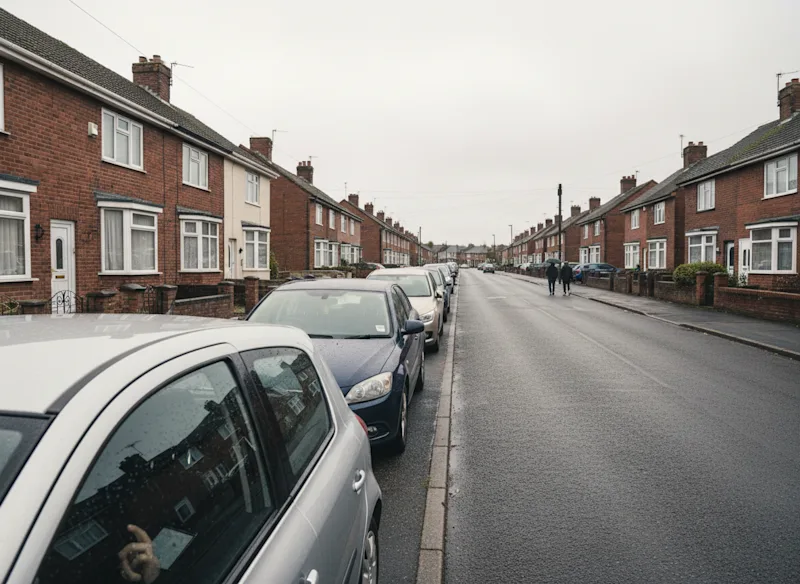

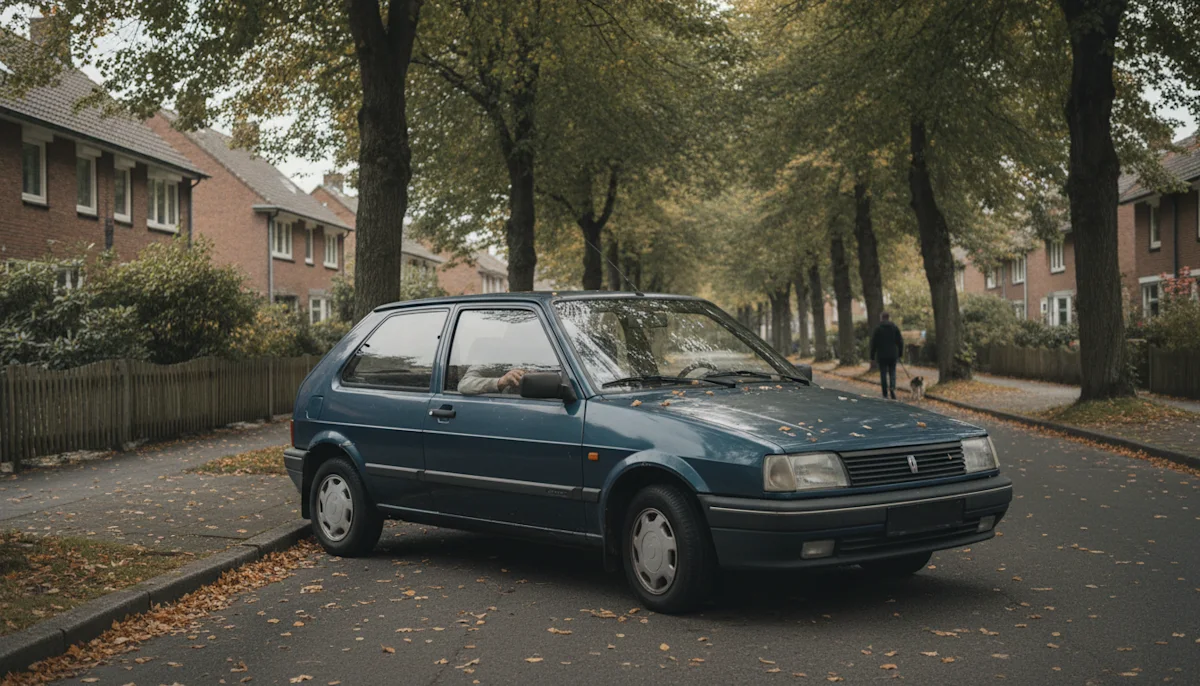
Professional photos cluster around new and expensive stock. The long tail, which is most of your volume, gets the rainy forecourt. A rendered catalogue treats the whole range identically because coverage is a property of the data, not of a shoot budget.

Nobody consciously notices uniform framing. Everybody notices its absence. A grid that looks governed tells buyers the platform checks things, and that feeling transfers to how they read every listing on it.
Forty thousand listings from nine hundred sellers, and the grid finally looks like it belongs to us. Sellers did not change a thing, which is the only reason it worked.
 Priya Shah Head of Product, Lucident
 No, and you should not. The rendered image standardises the grid and guarantees a complete angle set. Seller photos stay on the detail page to show condition, which is what buyers scroll for once a car has their attention.
Yes. Make, model, year and trim resolve to the exact vehicle, and that is data your listing form already collects. A VIN simply removes ambiguity where you have it.
Coverage includes full model histories, and when a specific model year is not available the API says so in the response instead of failing silently, so your platform decides the fallback rather than discovering it from complaints.
Size, format, background and shadow are request parameters. The grid can run one look, the detail page another, the app a third, all from the same lookup.
Caching decides the bill more than listing count does. Resolve each vehicle once per catalogue update, serve from your own CDN, and volume becomes very manageable. The pricing page explains the plans.
It usually improves it. Properly sized WebP from a CDN replaces whatever resolution sellers uploaded, and your grid ships a fraction of the bytes it did before.
Every marketplace eventually holds the same internal meeting about listing quality. Screenshots of the search grid go up on a slide, and everyone agrees the platform looks like a flea market: forecourts in the rain next to press photos next to living room driveways. Then someone proposes seller photo guidelines, and eighteen months later the same meeting happens again, because guidelines do not survive contact with a thousand independent sellers.
The listings themselves already know what each car is. Resolving that data to a rendered studio image gives every card in the grid the same framing, lighting and background without asking sellers to change anything. The platform stops depending on photographic discipline it cannot enforce and starts guaranteeing a baseline it fully controls. Seller photos move to the role they are actually good at, documenting the individual car on the detail page.
Marketplaces rarely switch in one release. The pattern that works starts with the search grid, where consistency pays fastest, then extends to detail page angle sets, then to the app. Each step is the same lookup wearing different parameters, so the engineering cost concentrates in the first integration and the rest is configuration.
The long tail deserves its own paragraph, because it is most of the volume and none of the photography. The eight year old hatchback from a private seller gets the same studio treatment as the dealer's new flagship, which means the part of your catalogue that used to look worst now looks identical to the part that looks best.
Tell us your listing volume and whether your data carries VINs or specs. You get the images back for real listings and the licence text alongside.