Rental sells a class, delivers a car, and illustrates both with whatever photo marketing found first. Resolve every class representative and every fleet vehicle to the same studio catalogue and the booking flow finally matches what rolls out of the garage.
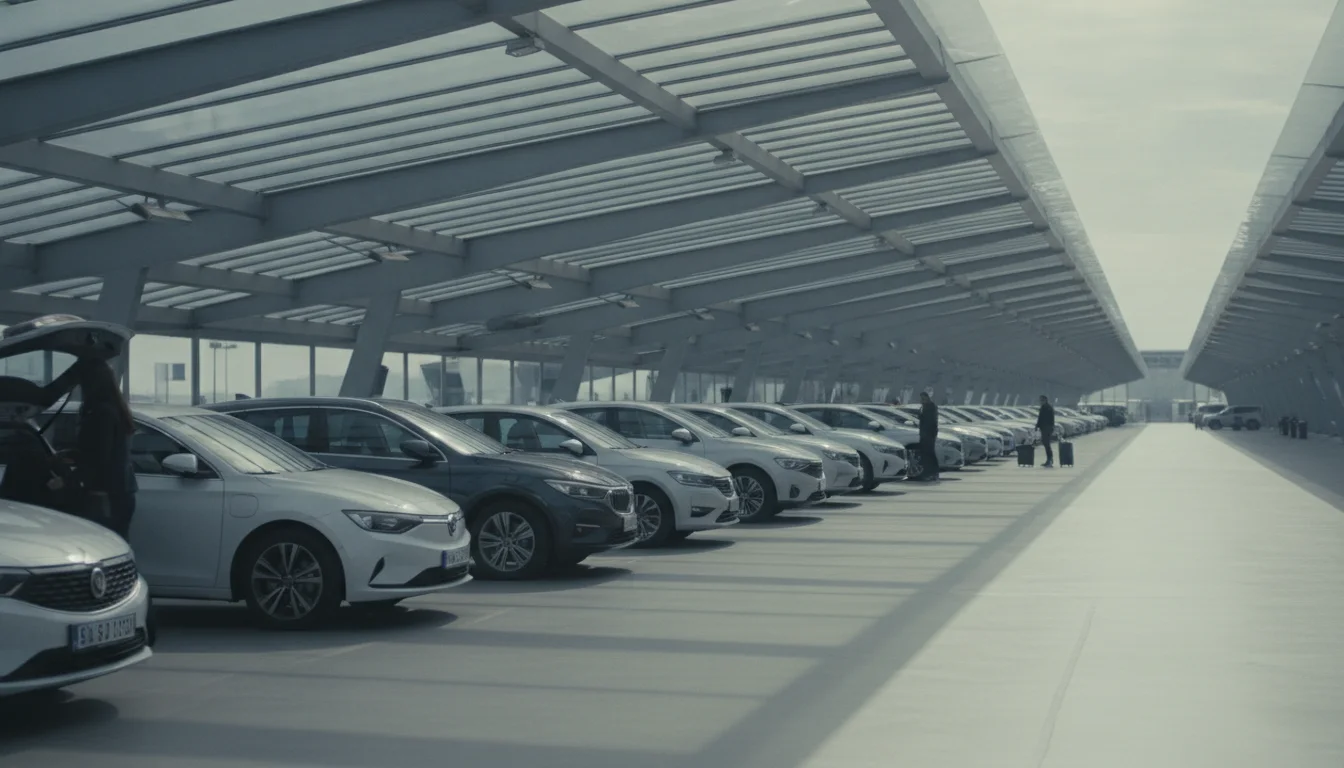
The class picture is a promise, and the wrong one costs you at the counter. Show the actual representative model in a neutral studio look and the promise reads as honest rather than aspirational.
The fleet system already knows every car. The images follow from there.
VINs from the fleet register or model and trim from the class table both resolve to exact vehicles.
Pick the model that honestly represents each class and request it in the booking flow's size and style.
Station pages and partner feeds pull from the same CDN URLs, so sixty locations look like one company.
New model year in the fleet, new image in the flow. The lookup is the update.
From the mini class to the people carrier, the fleet page finally lines up.
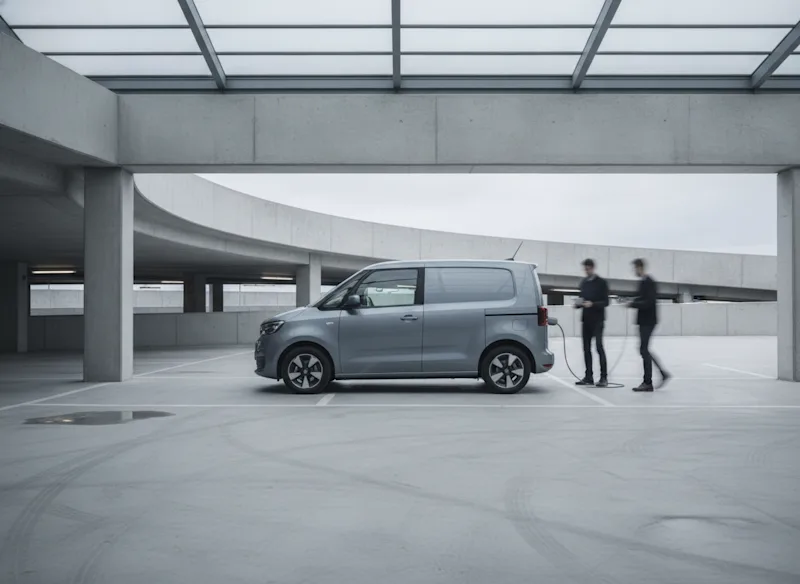
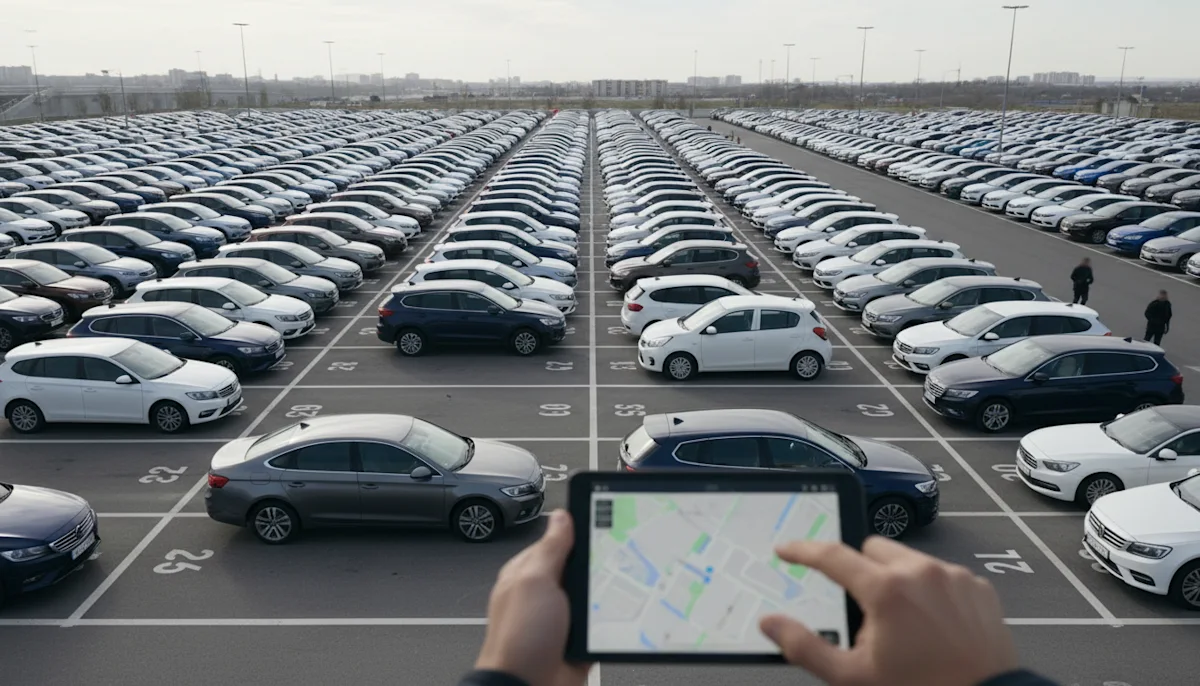
Every station manager with a phone becomes a photographer, and every station page shows it. Central imagery ends the drift: the same class, shown the same way, in every city and every partner channel.
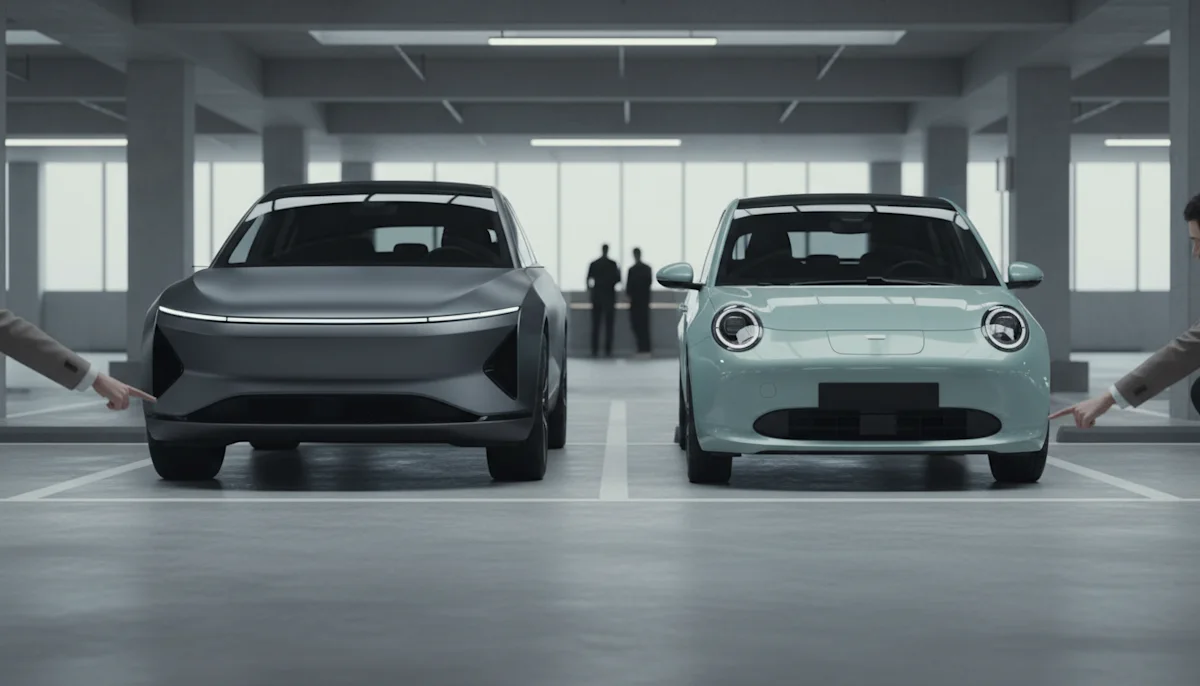
The upgrade offer at checkout is an image comparison: this class, that class, small price difference. Two clean studio images in identical framing make the difference legible in a way two mismatched photos never do.
Sixty airport mornings a day used to start with: this is not the car from the picture. The booking flow now shows the class we actually deliver, and upgrade take rate went up the quarter we switched.
 Ingrid Solheim Head of Digital, Fjordcar
 Perfectly. You assign each class a representative vehicle and request its image wherever the class appears. When the fleet composition changes, you change the representative, not a photo shoot.
Yes. The image is resolved per request, so a station whose compact class is a different model can show exactly that, from the same catalogue and in the same look.
Light commercial vehicles and people carriers are covered like everything else, which usually fixes the worst page on the site, because van classes are where photo quality goes to die.
The feeds carry the same CDN URLs your own site uses, and the licence covers partner distribution. One catalogue, every channel, no exported zip folders.
A winter fleet or a summer convertible class gets images the day you define it, because no car has to exist in front of a camera first. That removes the photo lead time from seasonal launches.
No. Anything that renders an image URL works the same way, and sizes are request parameters, so the counter screen and the app just ask for different widths.
Rental imagery fails in a specific way: the industry sells a promise called a class, delivers a specific car, and illustrates the promise with photos that match neither. The gap between the aspirational press shot on the booking screen and the actual vehicle at the station is where customer trust quietly leaks, one slightly disappointed pickup at a time.
With a rendered catalogue the class picture is the representative model, shown plainly in a neutral studio look. No dramatic lighting, no mountain road, just the car the customer will probably get, from an angle that shows what it is. That honesty is not a sacrifice. It reads as confidence, and it survives the walk to the parking space.
Most rental teams start with the booking flow's class pictures, because that is one template and a dozen images, and the effect is visible the same week. Station pages and partner feeds follow, then the counter upsell screens. Each step reuses the same lookup, so the project gets cheaper as it goes.
Central imagery removes two chores at once. Station pages stop drifting apart, because no station photographs anything, and fleet changes stop requiring photography, because a new model in the fleet table resolves to a new image the same day. Seasonal fleets, partner feeds and the upgrade screen all inherit the change automatically.
Send us your classes and their representative models, or just VINs from the fleet register. You get the images for the booking flow and the licence text for all channels.