
App teams inherit vehicle imagery as a payload problem and a consistency problem at once. Solve both with one lookup: exact vehicles from VIN or spec, delivered as sized WebP from a CDN your list views will not feel.


A vehicle list that ships full resolution photos is a scroll performance bug wearing a design decision. Request the width the card renders, in WebP, and the same list gets fast without a redesign.
Resolve server side, render client side, cache everywhere. The pattern is deliberately boring.
VINs or specs resolve where your data lives, and the API key stays off the device.
Cards receive image URLs as plain strings, with srcset style variants from the width parameter.
CDN headers do the network caching, your image pipeline does the on device layer, and lists scroll offline.
Fixed ratio placeholders while loading, a branded fallback on misses, and the response tells you when a fallback model year was used.
Identical framing across every vehicle, which is what makes a list feel designed.




Car apps get used on forecourts, in parking garages and on trains. Cacheable URLs with stable IDs mean your existing offline strategy covers vehicle imagery too, and a browsed list stays browsable in a dead zone.
Bring vehicle imagery into your product without the heavy lifting. Clear docs, open SDKs and ready-made plugins connect to your stack in minutes, and our status page shows you live how the API is doing.
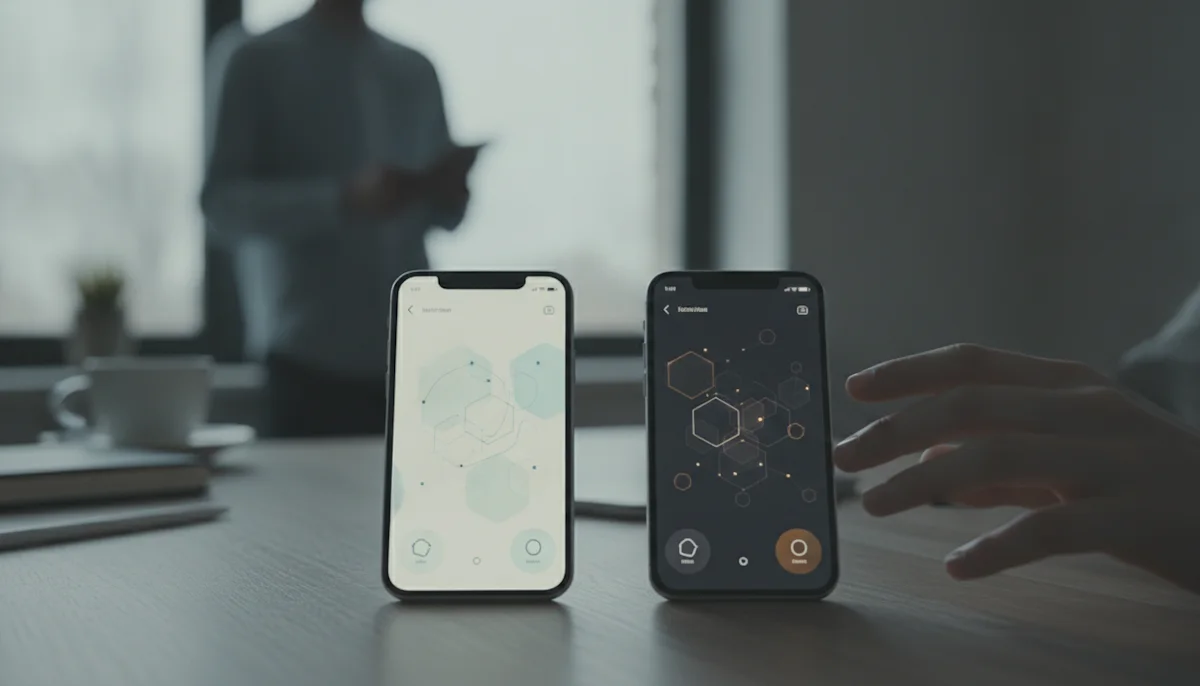
Dark mode, brand backgrounds and seasonal themes all want the car without its background. Transparent WebP over your surface colour means one asset serves every theme, and the design system stays in charge.
We cut list view payload dramatically just by requesting the width we render, and dark mode stopped being a special case the day we switched to transparent cutouts.
All of them, because the deliverable is an image URL. Anything that renders images from URLs integrates identically, and the resolve step lives in your backend regardless of the client stack.
Request width variants through the width parameter and select per device, exactly like srcset on the web. Three sizes cover phones to tablets in practice.
Cache them through your normal pipeline with the stable ID as key. Bundling at build time works too for fixed fleets, and the licence covers stored copies.
Design for it once: fixed ratio placeholder while loading, branded fallback on a miss, and log the identifier. The response also flags fallbacks like a substituted model year, so you decide what to show.
Not if you cache. Resolve on catalogue updates, serve from your own storage or CDN, and the app never waits on our origin in the critical path.
There is an npm package for JavaScript stacks, and the REST API is small enough that native teams typically wrap it in an afternoon. The docs include the full parameter reference.
Vehicle imagery reaches app teams as someone else's decision: the listings exist, the photos are whatever they are, and the app must make them scroll smoothly on a three year old phone in a parking garage. Most of the resulting engineering effort goes into compensating for images that were never made for an app in the first place.
The single biggest win is embarrassingly simple: request the size the card renders. A list view that ships 1200 pixel images into 300 pixel cells is spending the user's battery and patience on pixels nobody sees. With width and format as request parameters, right sizing becomes configuration, and the performance budget stops fighting the design.
Resolve server side on catalogue updates, cache in your own storage, and treat our CDN as the refill rather than the tap. The app's critical path then depends only on infrastructure you control, which is how an external image catalogue should feel: present everywhere, noticed nowhere.
Identical framing across every vehicle is invisible when present and glaring when absent. Fixed aspect ratios stop cells from jumping, uniform lighting keeps dark mode coherent, and transparent cutouts let the design system own every background. The list stops looking like aggregated content and starts looking like the app.
Send us a handful of VINs or specs from your data and tell us the card sizes you render. You get URLs ready to drop into a build.