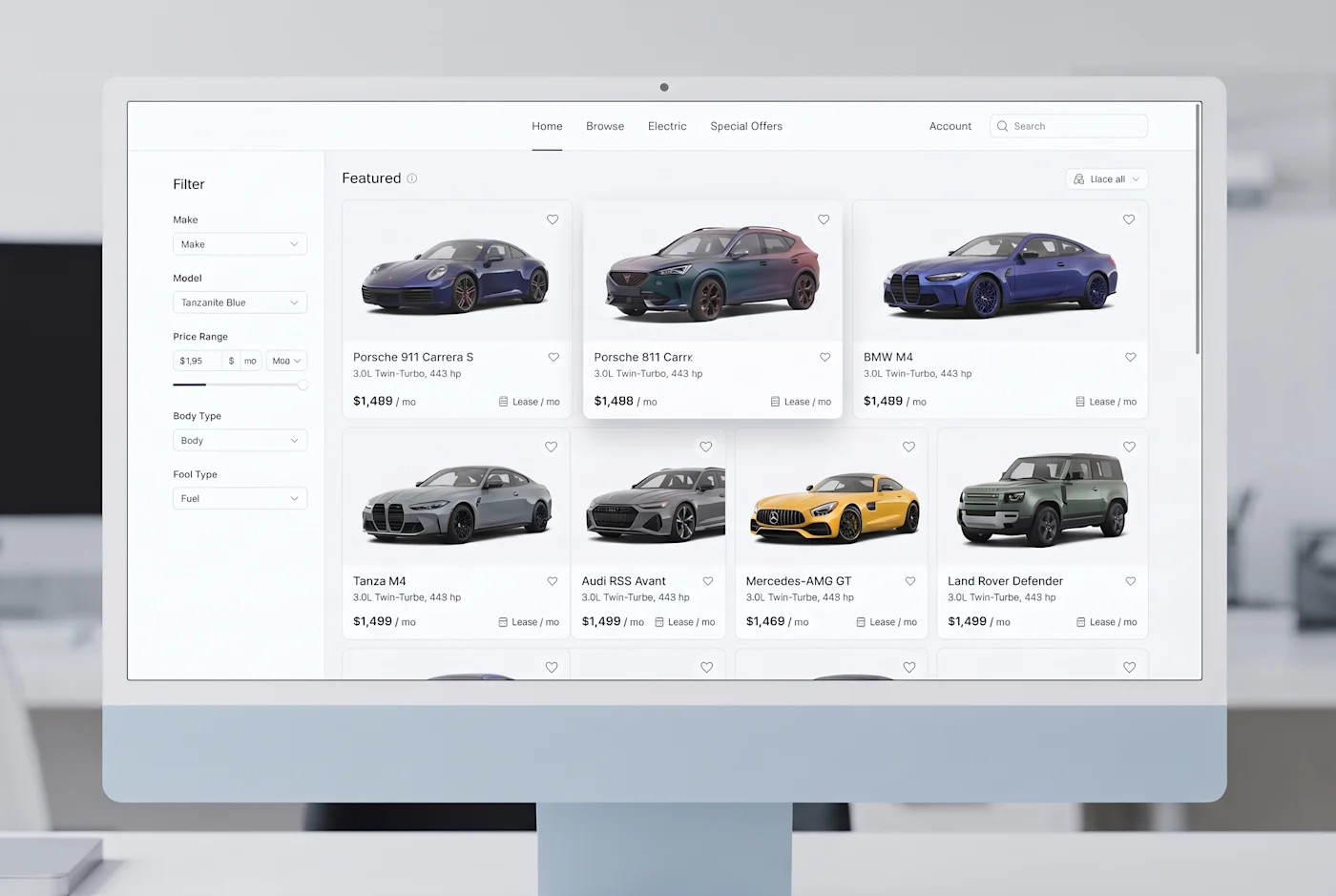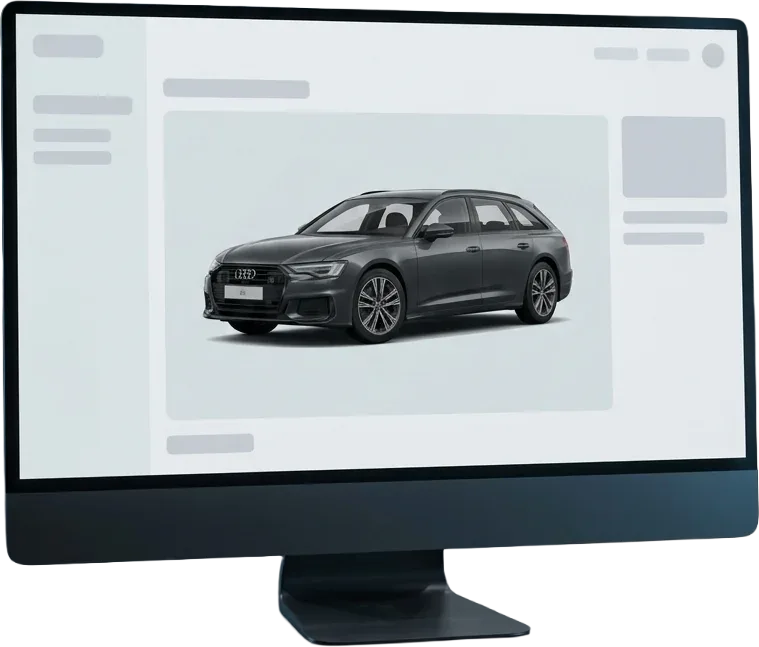
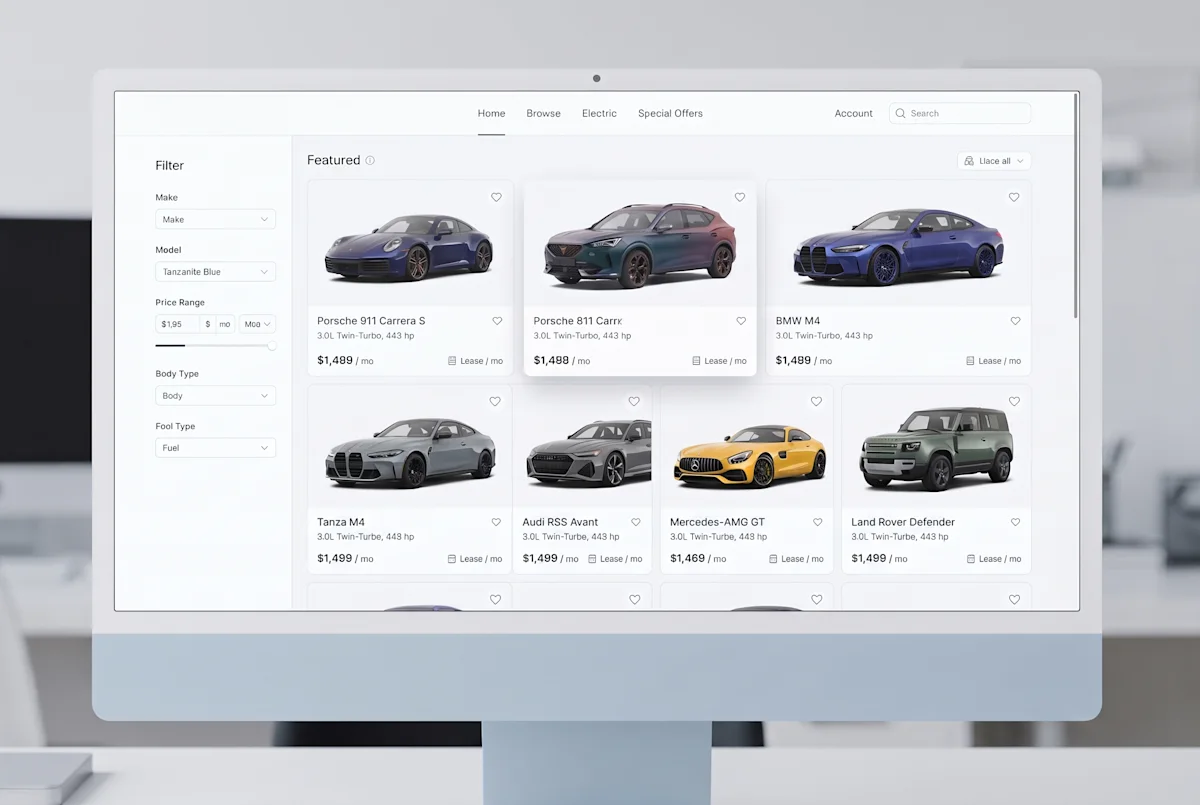
Most systems hold a VIN, some hold a plate, some only a make and model string from an import feed. All three resolve to the same configuration, so the images match the vehicle that is actually standing on the lot.
No file management, no naming conventions to agree on, no folder that someone has to keep tidy.
Pass a VIN, a plate or a search string. You get back the configuration with its permanent id, so you can store it and reuse it later.
Ask for one of the eight angles, or for all of them at once. Transparency, grounded shadow, colour, format and size are query parameters.
The answer is a signed CDN link. Anything that renders an image tag can render it, from your dealer system to a quote PDF.
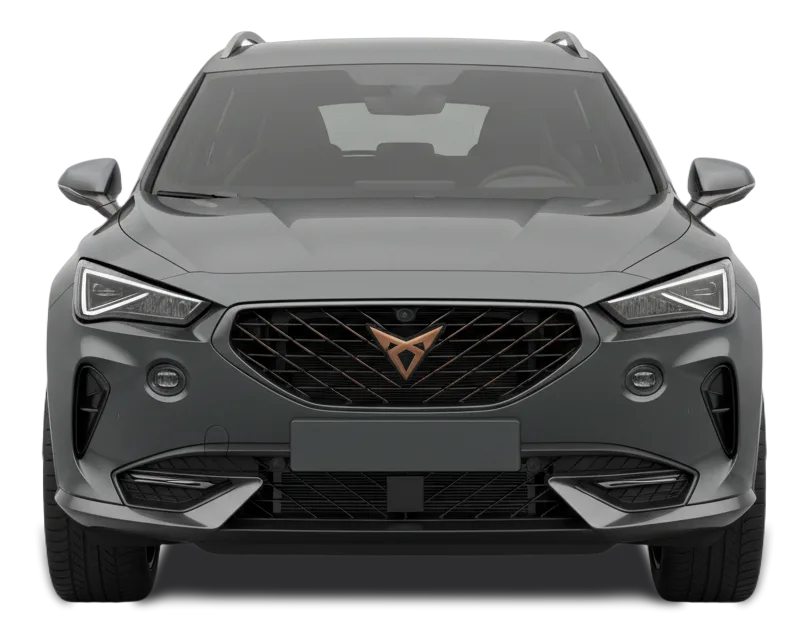
Every image comes from the same studio setup, the same lighting and the same camera positions. That is what makes a results page of thirty vehicles read as one catalogue instead of thirty separate photo shoots.
No. A licence plate works where plate lookup is available, and a make and model search covers feeds that carry neither. The response format is the same in all three cases.
Front, front three quarter left and right, both sides, rear three quarter left and right, and the rear. Always in that order, for every vehicle.
Yes. Interior shots such as the steering wheel and centre console are available alongside the eight exterior angles.
You store the returned URL, not a file. It is served from a global CDN, so the second visitor pays no rendering cost at all.
New model years are added continuously. Configuration ids are permanent and survive catalogue updates, so stored references keep working.
Marketplaces and platforms often lose a visitor before the results page has finished loading. The first impression of a vehicle is decided by the consistency of the listing, not by the copy underneath it. When images vary in angle, crop and light, the page reads as untidy, and untidy reads as untrustworthy.
A structured vehicle image API replaces a pile of supplier files with a single reliable source. Every model in your database is presented to the same visual standard, whatever the brand and whoever supplied the car. Nobody has to police image guidelines, because there is nothing left to police.
The coverage follows a deliberate order so a buyer builds a complete picture of the exterior. It starts with the direct front view to establish the vehicle identity, moves through the three quarter views that show proportion and stance, takes in both sides, and closes at the rear. The same sequence for every car means a customer learns to read your gallery once.
Treating images as data rather than as files removes an entire class of manual work: no searching for a missing shot, no renaming, no resizing before upload, no wrong angle in the wrong placeholder. Onboarding a new listing becomes part of the import, not a task afterwards.
Because the API connects directly to the vehicle data you already hold and follows clear naming conventions, developers can ship listing features instead of maintaining an asset pipeline. Growth stops being an image problem: a catalogue twice the size needs no additional photography, storage or editing capacity.
Tell us what you need, and we’ll show you exactly the images your customers would get, clean, consistent and ready to use. Send a message or book a short call, whatever suits you better. You’ll usually hear back the same day, with real examples based on your own inventory.