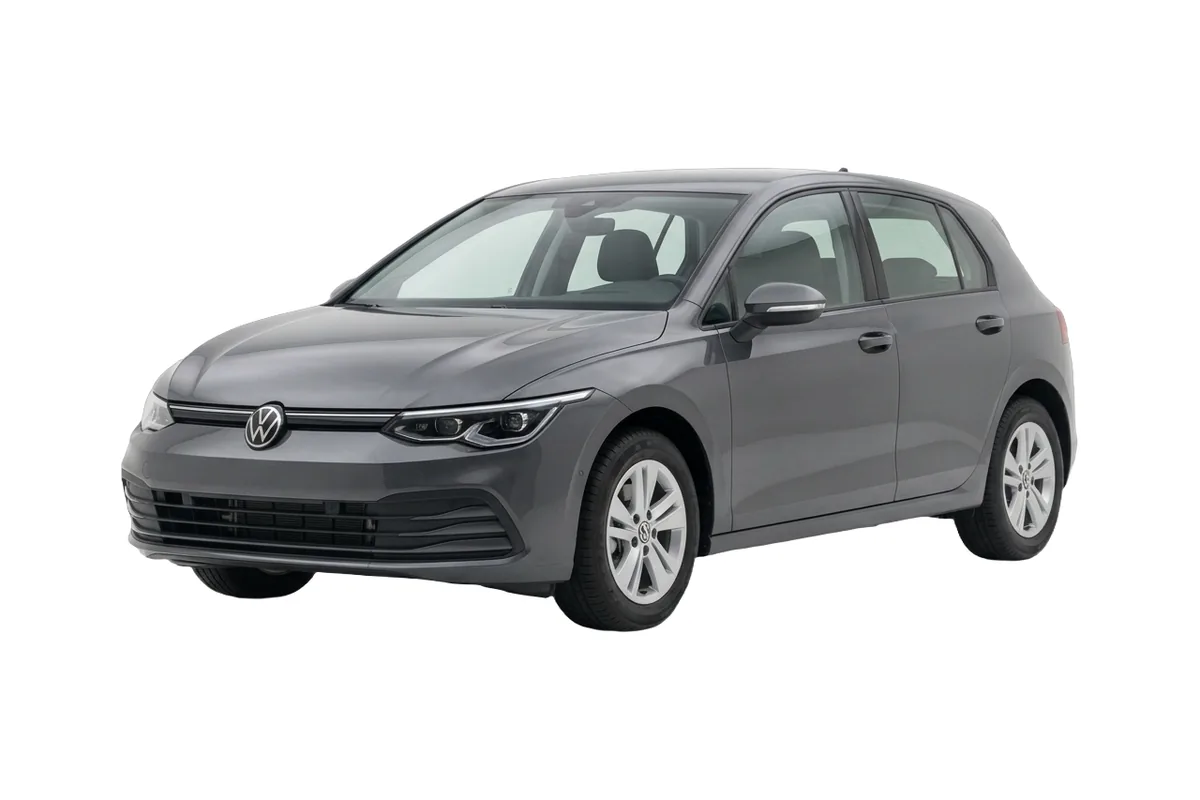
A car floating on white is the most common sign that a listing was assembled rather than photographed. Drag the handle and watch the same vehicle land on the page.
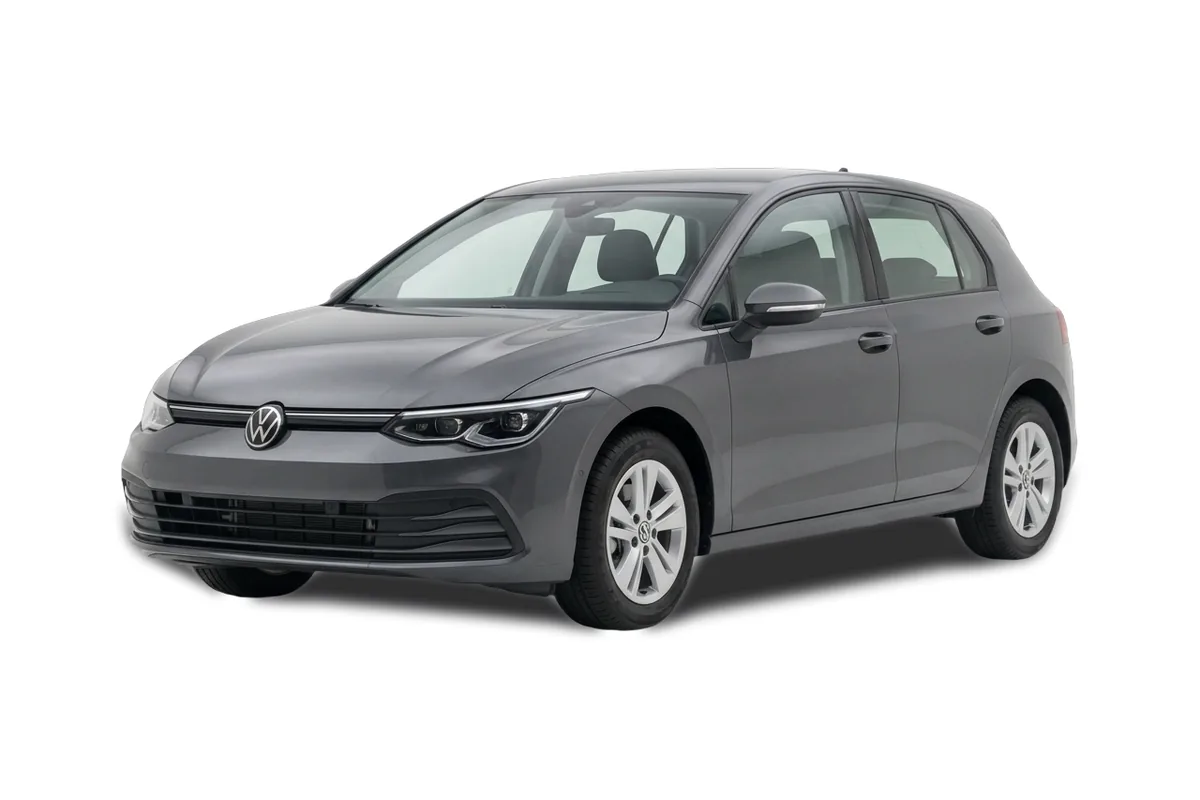 ↔
↔Both halves are unedited API responses for the same car. The only difference between them is ?shadow=true. Arrow keys work too.
Nobody looks at a listing and thinks "that vehicle has no contact shadow". They just trust it slightly less.
This is the layer of image work that used to live in a retoucher's afternoon: cut the car out, build a shadow, drop it on the background, do it again for the next four hundred vehicles. It never scaled, so most catalogues quietly gave up on it and shipped whatever came off the forecourt. Here it is a query parameter, which means it scales to the whole stock or to none of it, and costs the same either way.
The same request with one thing changed. Which one is right depends less on taste than on where the image is going to sit.
The car and nothing else. Right for a dense grid of small tiles, where a shadow under every thumbnail turns into visual noise, and right for anyone who intends to composite the vehicle themselves.
A soft studio shadow beneath the car. This is the one most listing pages want: it costs nothing to ask for and it is the difference between a vehicle that hovers and one that stands. Use it for hero images and detail pages.
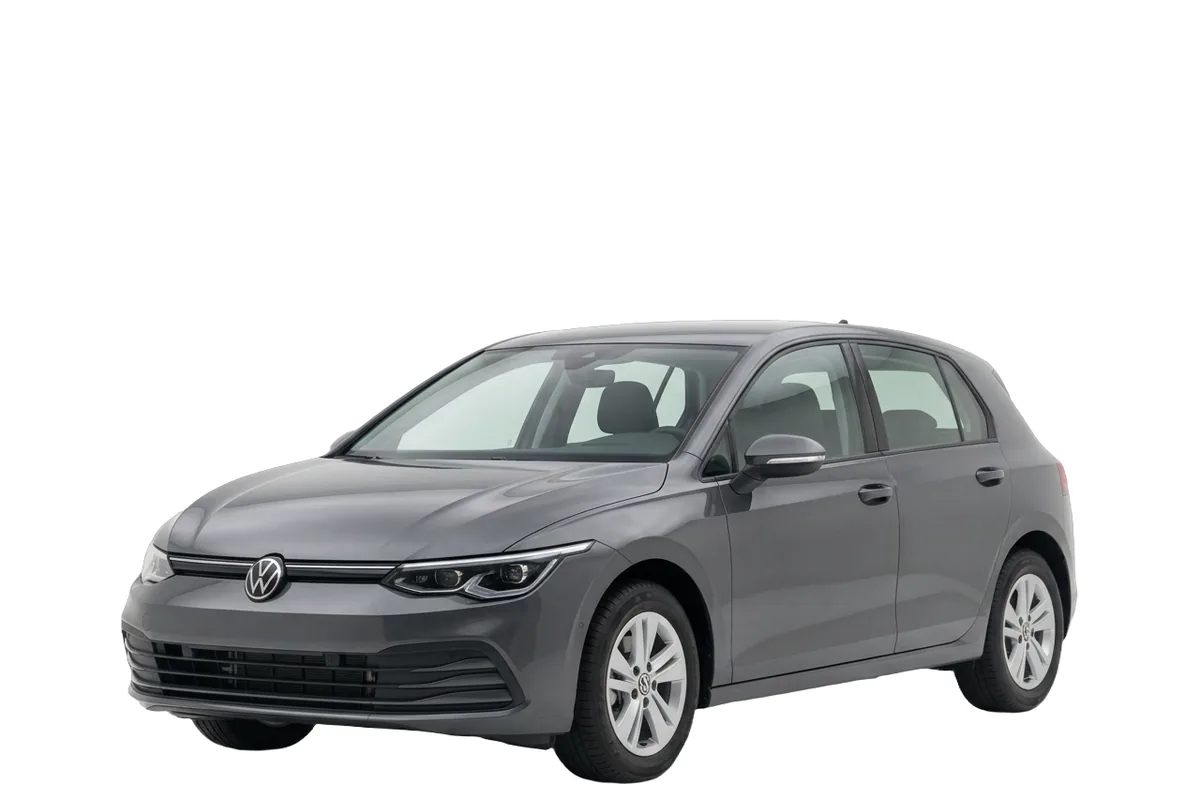
A tighter contact shadow where the tyres meet the surface. Less theatrical than the drop shadow and more physical, so it suits pages that already carry a lot of styling and do not need the car to be dramatic as well.
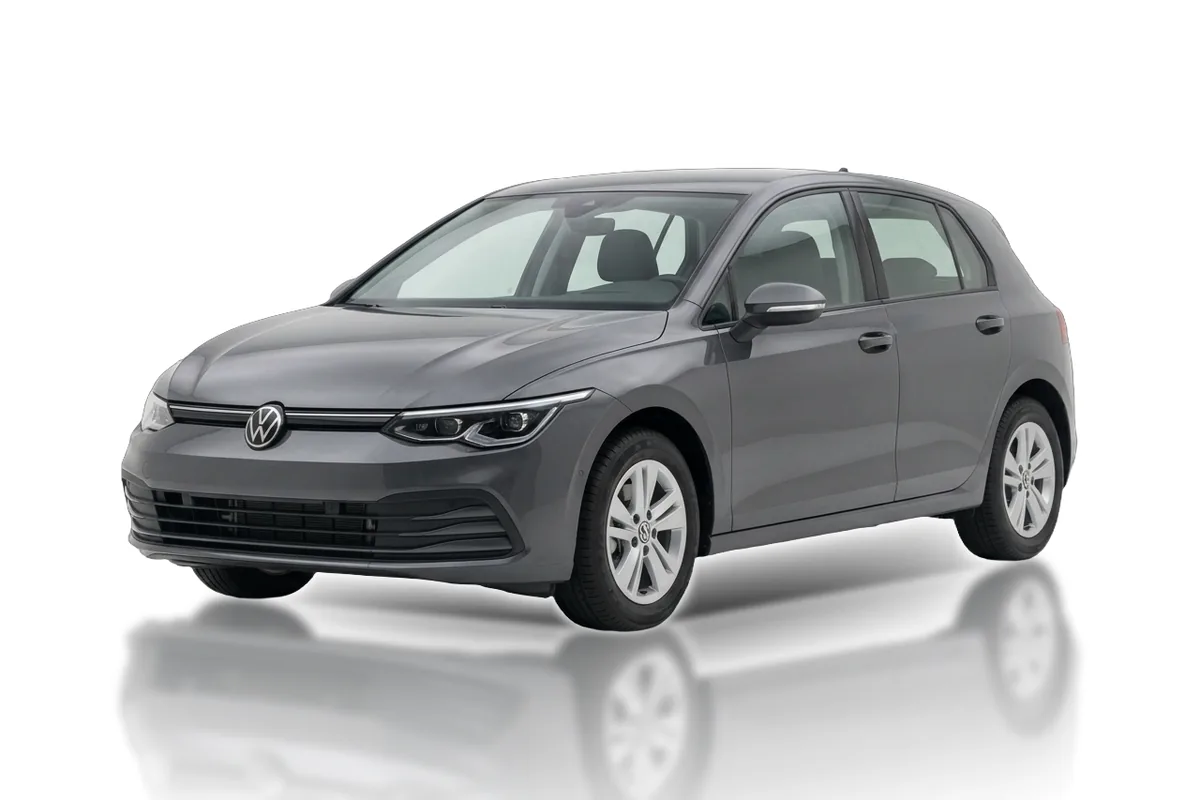
A reflection under the vehicle, the way a polished floor behaves, with a contact shadow where the tyres meet it. It reads as premium and it reads as effort, which is why it works on landing pages and campaign banners and rarely on a results list.
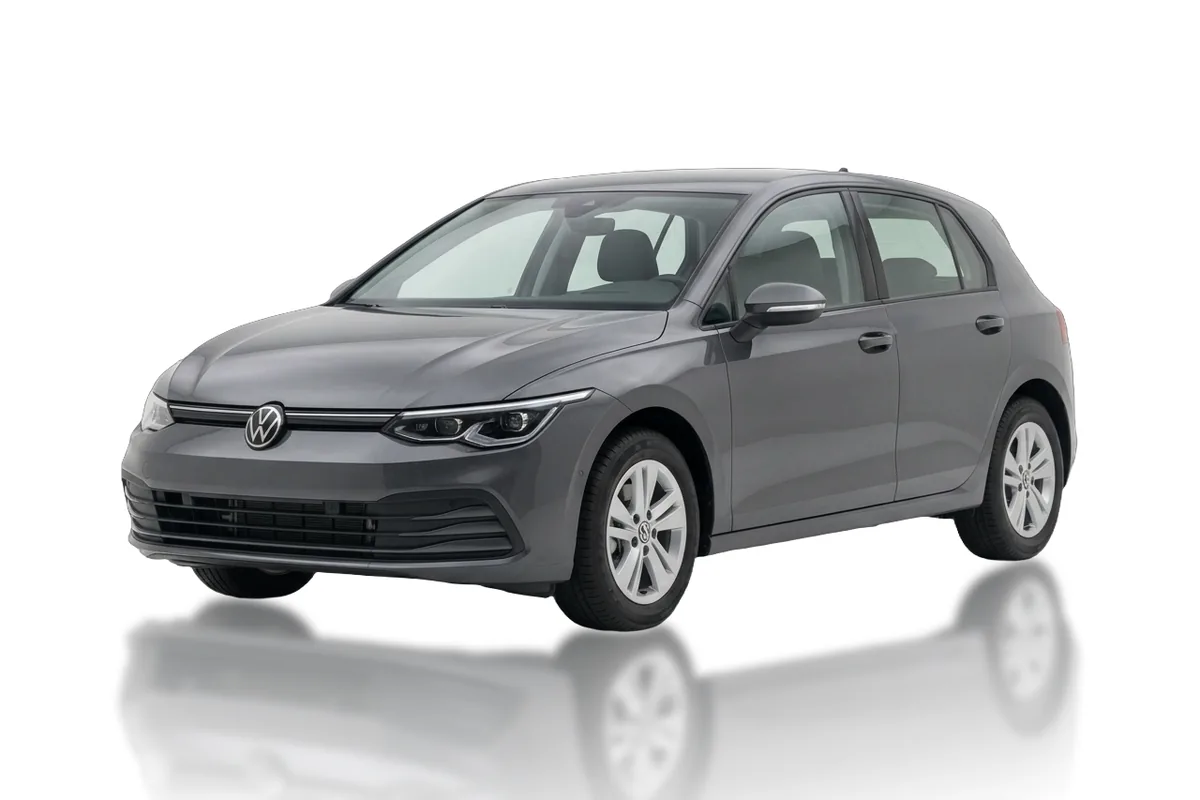
The same reflection with the contact shadow taken out. Nothing darkens underneath the car, so the result is more graphic than photographic. This is the one to use when the vehicle sits on a coloured panel or next to type, where a shadow would read as dirt.
This is the same vehicle again, cut out, sitting directly on this section. Nothing was masked to get here and there is no white fringe along the roofline, because the background was never there in the first place.
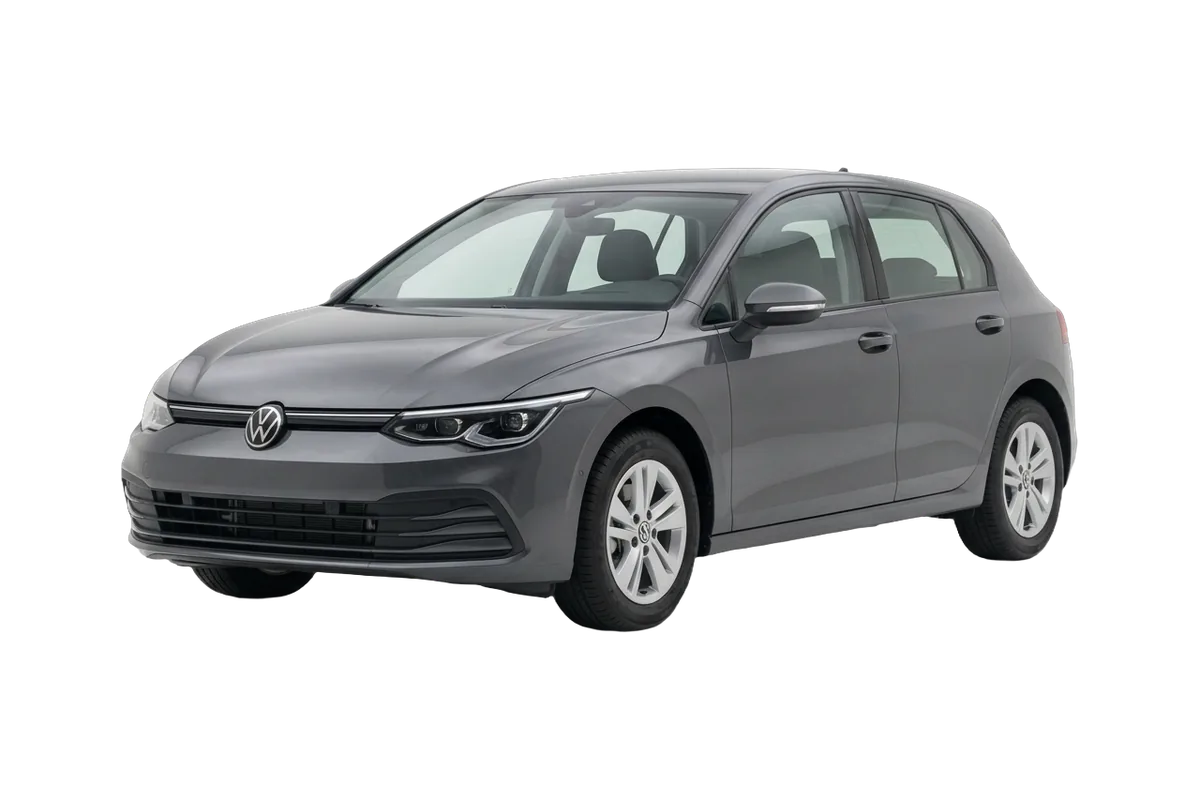
GET /api/Volkswagen/Golf/2024/Basis/base/front_left?transparency=true&format=webp
A shadow is cast onto something. Take the surface away and there is nothing left for it to fall on, so a cut-out with a shadow attached would be a picture of a physically impossible situation. The API says no rather than returning it, which saves you the twenty minutes of wondering why it looks wrong.
If you need both, the answer is to composite: ask for ?transparency=true, put the car on your own scene, and let your own surface carry the shadow. That is the normal path for campaign work, and it is why the cut-out exists.
On format, take WebP with an alpha channel unless something downstream insists on PNG. Same transparency, roughly a fifth of the bytes, and no browser in use today needs the PNG. Alpha is the one thing that does not compress well, so the cut-out stays the heaviest of the five whichever you pick.
No, and not because of a limitation. A shadow is cast onto a surface. Remove the surface and there is nothing left to cast onto, so a shadow floating under a cut-out would be a picture of something impossible. Ask for transparency and composite your own.
It can be, but WebP with an alpha channel is roughly a fifth of the size and every browser in use today reads it. Ask for PNG when something downstream insists on it, otherwise take the smaller file.
That is the case worth testing, because a bad cut-out shows a white halo along the roofline the moment it sits on anything dark. These are rendered rather than masked, so there is no halo to remove.
The four surface treatments are what the API exposes today. If you need a particular look for a campaign, tell us what it has to sit next to and we will say whether it is a parameter or a conversation.
No. They are parameters on the same request, not separate products. What differs is the file size, and the cut-out is the heaviest of them because alpha does not compress as well.
Pick the page you are least happy with, send us the vehicles on it, and we come back with the same cars in whichever of the five treatments suits it. Then put the two pages side by side.