
Customers notice the wrong wheels before they notice the right price. This page explains what trim and colour accuracy in a car image API actually requires, and how the images take on your branding: transparent, shadowed, or dropped onto your own background.
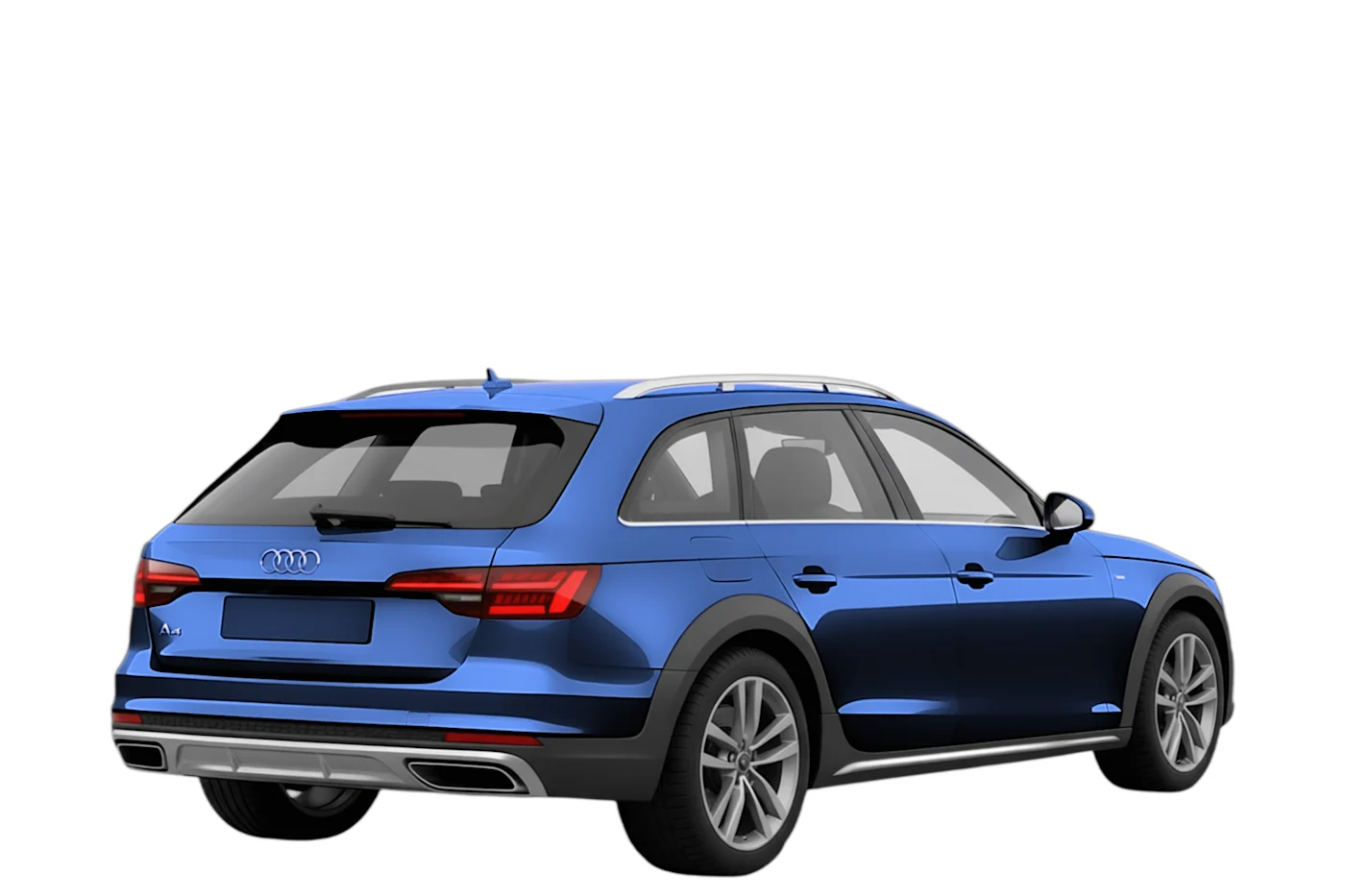

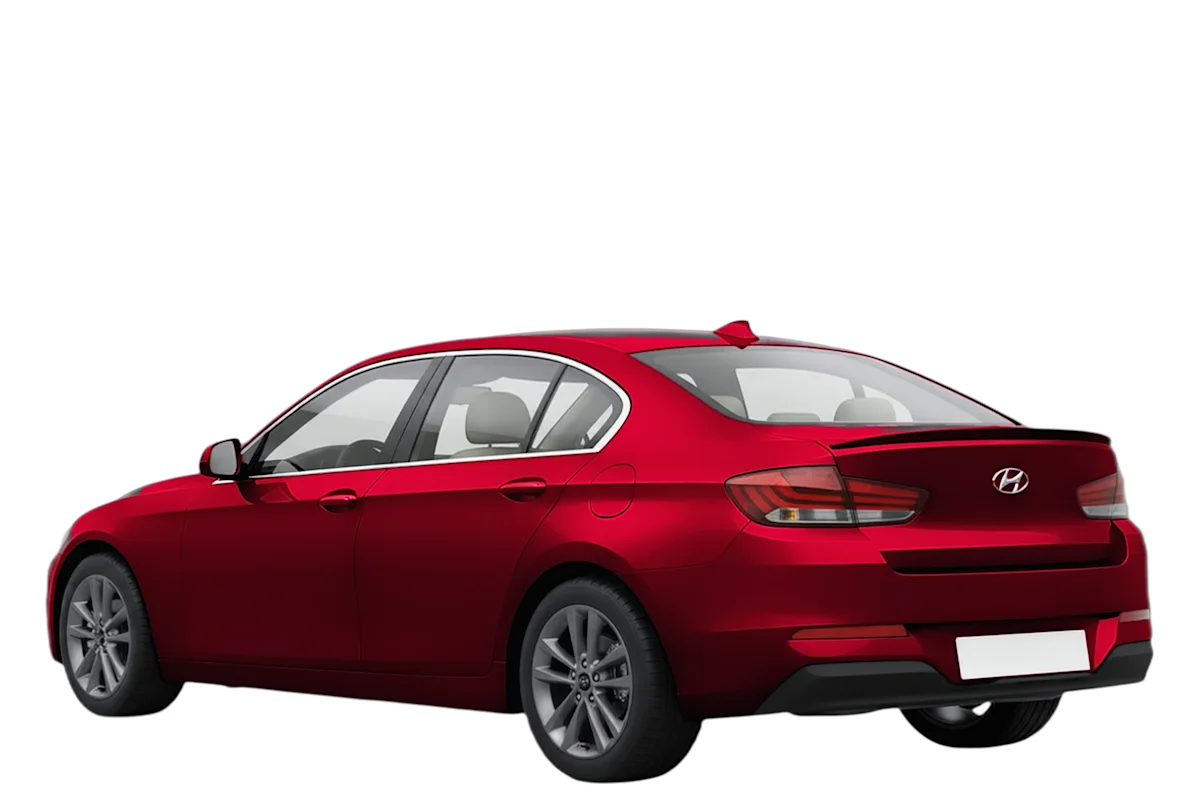
A photo library is accurate for the cars somebody photographed, in the trims they happened to shoot. A rendered catalogue is mapped to manufacturer vehicle data, so the picture follows the specification for every trim in the range, not for the three a press office covered.

The images arrive unbranded and cut out, which means they take on whatever look your product has. Transparent onto your background, a studio shadow when the car should sit on something, your compression, your sizes.
Accuracy comes from resolving the vehicle before rendering it, not from searching a photo archive afterwards.
A VIN, a plate or a search resolves to a specific model, trim and model year, not to a closest match.
The trim carries its own body style, wheels and equipment line, taken from manufacturer data rather than guessed from a filename.
Pass the colour code or name from the maker's catalogue and the same studio shot is repainted on demand.
Choose angle, size, background and format; the CDN returns the image ready to embed.
We came for the colours and stayed because the trims are right. “The picture shows the wrong wheels” used to be a whole ticket category for us.
 Elin Sandberg Product Lead, Invarion
 That the image is generated for the trim on record, with its own body style, wheels and equipment line, rather than being a generic shot of the model. If your data says GTI, the picture should not show the base hatchback on different wheels.
Yes. Trims come from licensed manufacturer vehicle data, and paint comes from the maker's own colour catalogue, so a colour name or code on your record resolves to the paint it refers to. That is what makes the mapping repeatable rather than editorial.
Colours, yes: one request parameter repaints the studio shot in any supported factory colour, live. Wheels follow the trim on record rather than being freely swappable, because the point of the image is to show the car as specified, not a configuration that does not exist.
Yes. Transparent PNG and WebP are standard, with an optional universal studio shadow for when the car should sit on something. The shadows and transparency page shows the variants side by side.
The standardisation is the branding advantage: identical framing and lighting across every vehicle means your template, your background and your colour grade sit on top of a uniform base. The images carry no watermark and no house style of ours.
The catalogue updates with the manufacturer data and the IDs stay stable, so your stored references keep resolving. A model-year change shows up as a new model year, not as a silent replacement of images you already use.
Every team shopping for vehicle imagery eventually searches for the best car image API for trim and colour accuracy, because the failure they are living with is always the same one: the picture shows a car, the record describes a different one. A base trim illustrating a performance model, last year's bumper on this year's listing, a colour that only ever existed in a press studio. No single wrong image matters much. The accumulation quietly teaches customers not to trust the page.
A vehicle is not a model; it is a model in a trim in a model year in a colour. An image source is accurate when it can produce the right picture at that level of detail, for the whole range, on demand. Photo libraries fail this structurally, because nobody photographs every trim of every model in every colour, so they substitute the nearest available shot and rely on nobody looking closely. Customers look closely.
Branding is the other half of the evaluation, and it is mostly about absence. The images arrive as clean cutouts in identical framing, so your product's look sits on top of a uniform base:
Teams that switch from mixed photo sources tend to describe the change less as prettier pictures and more as the catalogue finally looking like it belongs to one company.
The trim's body style, wheels and equipment come from licensed vehicle data; the paint comes from the manufacturer's colour catalogue; the render happens when the request arrives. Coverage stops depending on what was photographed, and the request that returns the right trim returns it in the right colour, because both are fields in the data rather than properties of a photograph. A model-year change shows up as a new model year, with stable IDs, not as a silent replacement of images you already use.
Take twenty vehicles from your own records, including the awkward ones: the facelift year, the trim with its own body kit, the colour with three names. Resolve them through the API and count how many come back as the right car. Look at the wheels first. That number tells you more than any comparison table, ours included.
Tell us what you need, and we’ll show you exactly the images your customers would get, clean, consistent and ready to use. Send a message or book a short call, whatever suits you better. You’ll usually hear back the same day, with real examples based on your own inventory.