
Subscription lives in an app, and the app lives on its vehicle imagery. Show every tier, every swap option and every colour in one consistent studio look, updated as fast as the fleet itself changes.
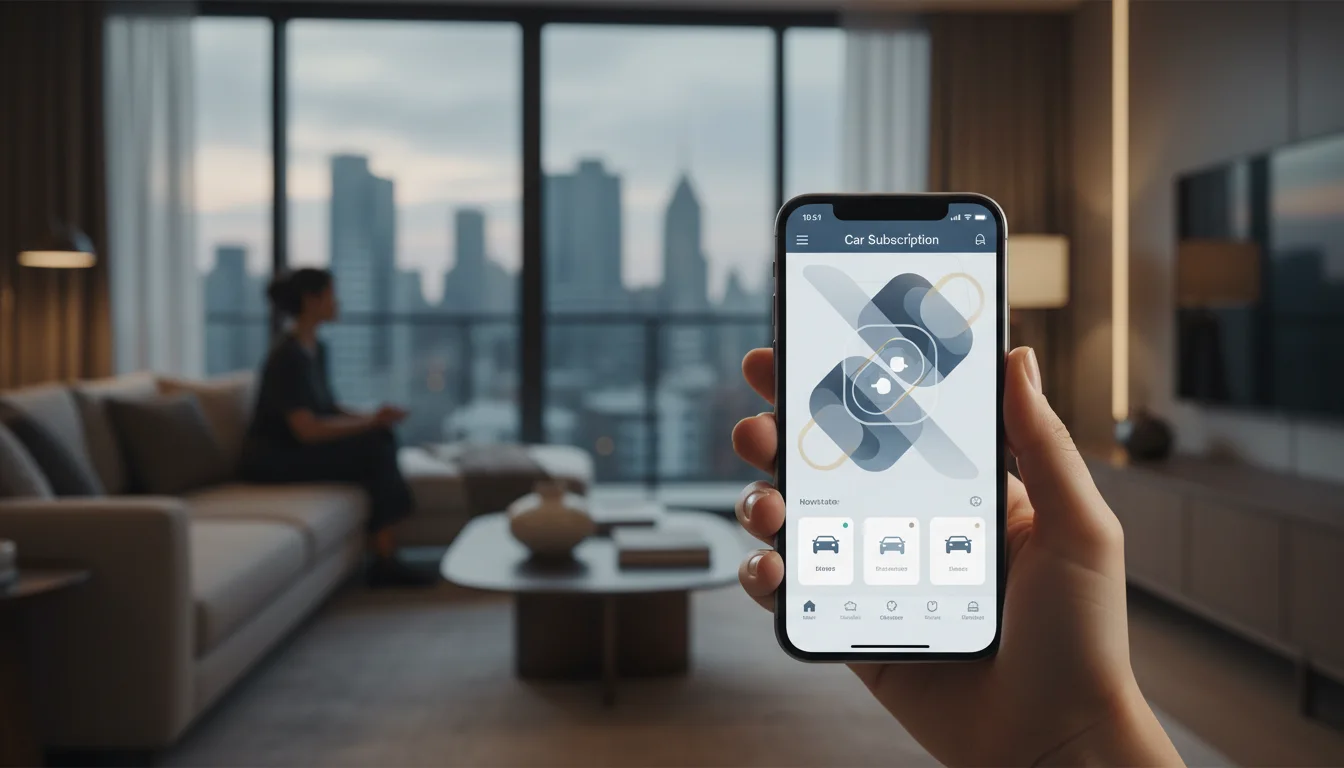
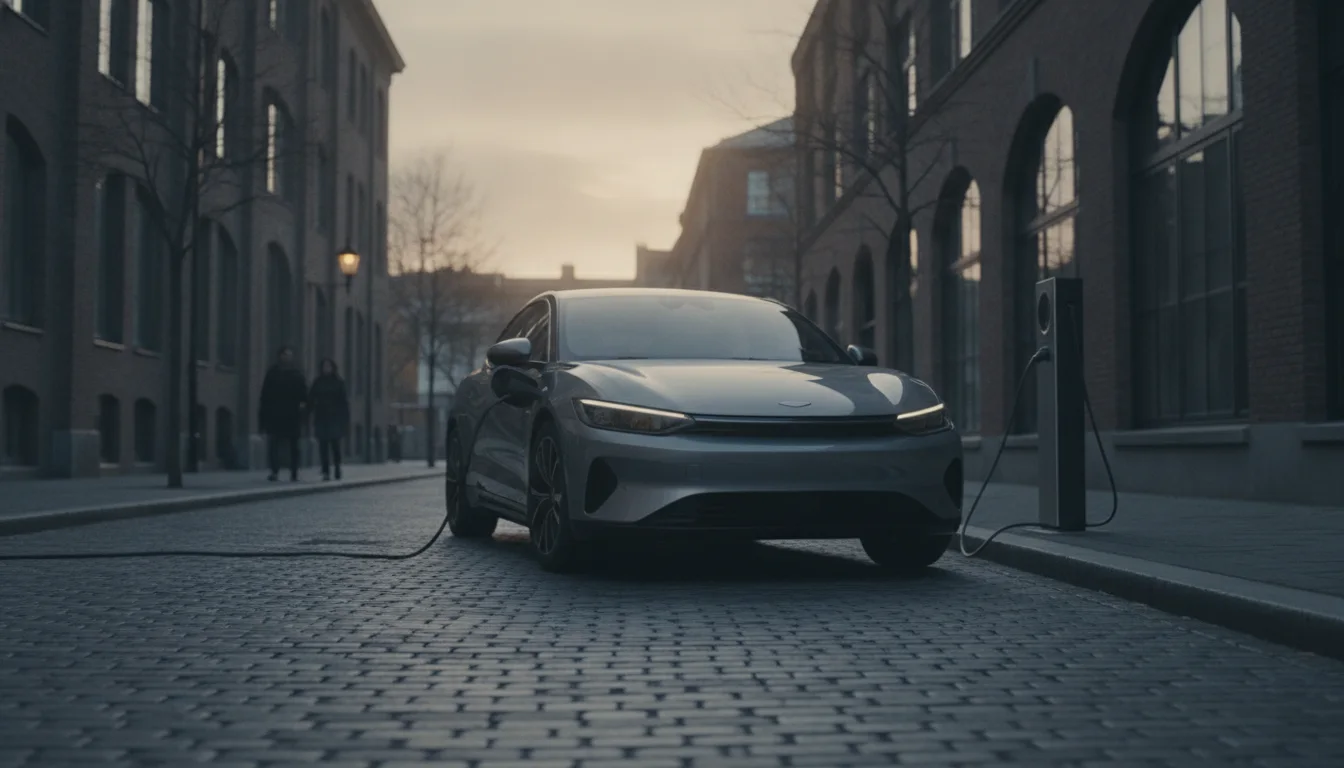
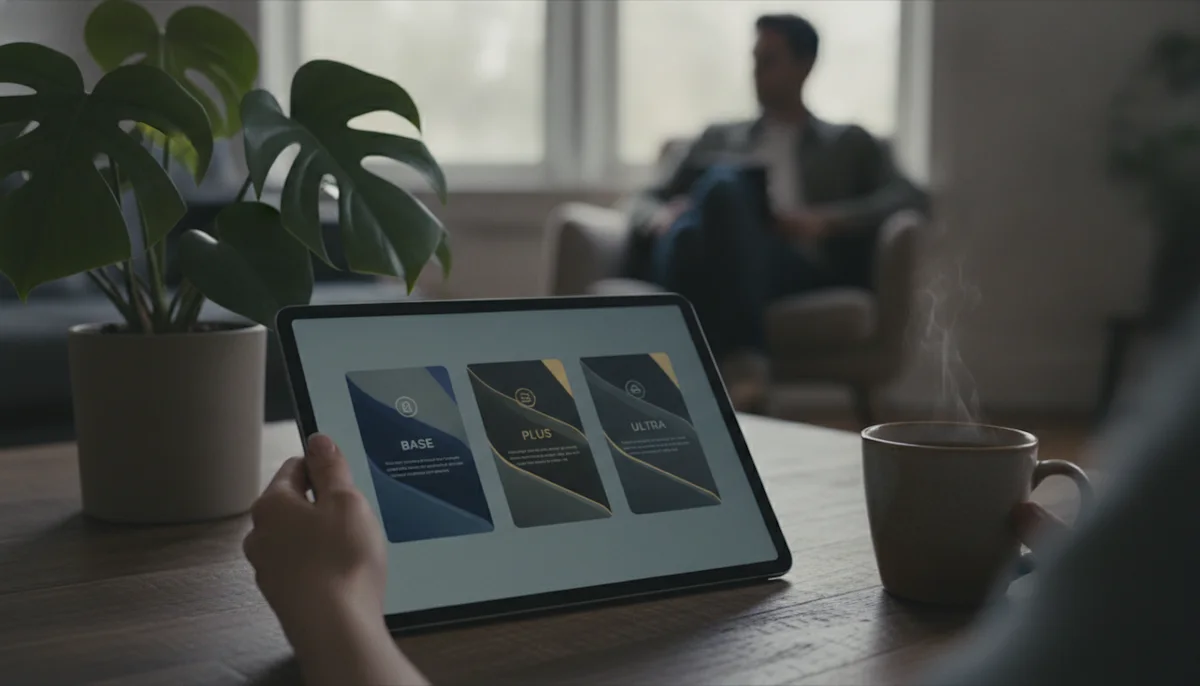
A subscription tier is an abstraction until it has cars in it. Consistent imagery across every tier turns the pricing page into a showroom, and the distance between tiers into something a subscriber can look at.
The fleet database drives the imagery, which is how it should be.
Models and trims from your fleet table resolve to exact vehicles, VINs included where you track them.
Cards, detail views and tier pages pull sized variants of the same images from the CDN.
Current car and candidate car render side by side in identical framing, which is what makes a swap feel concrete.
Fleet changes propagate to the app by themselves, because the lookup is the source.
From the entry tier to the EV flagship, the app finally lines up.


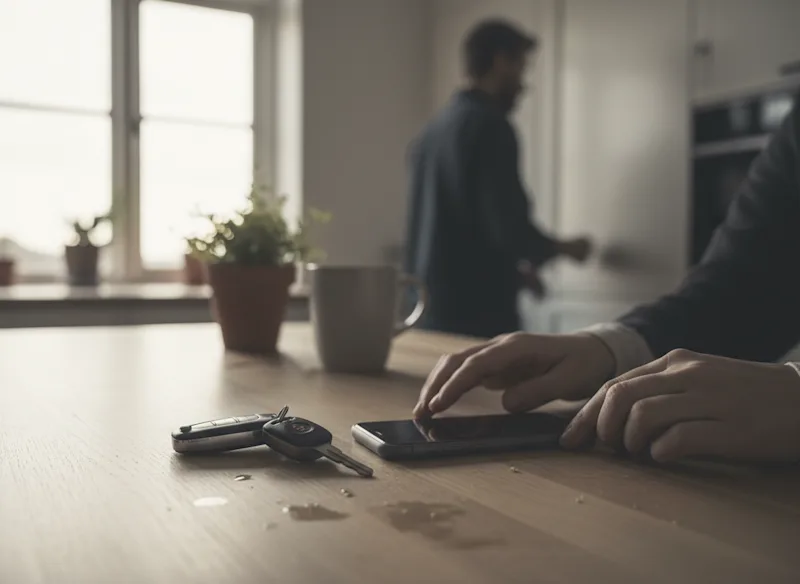
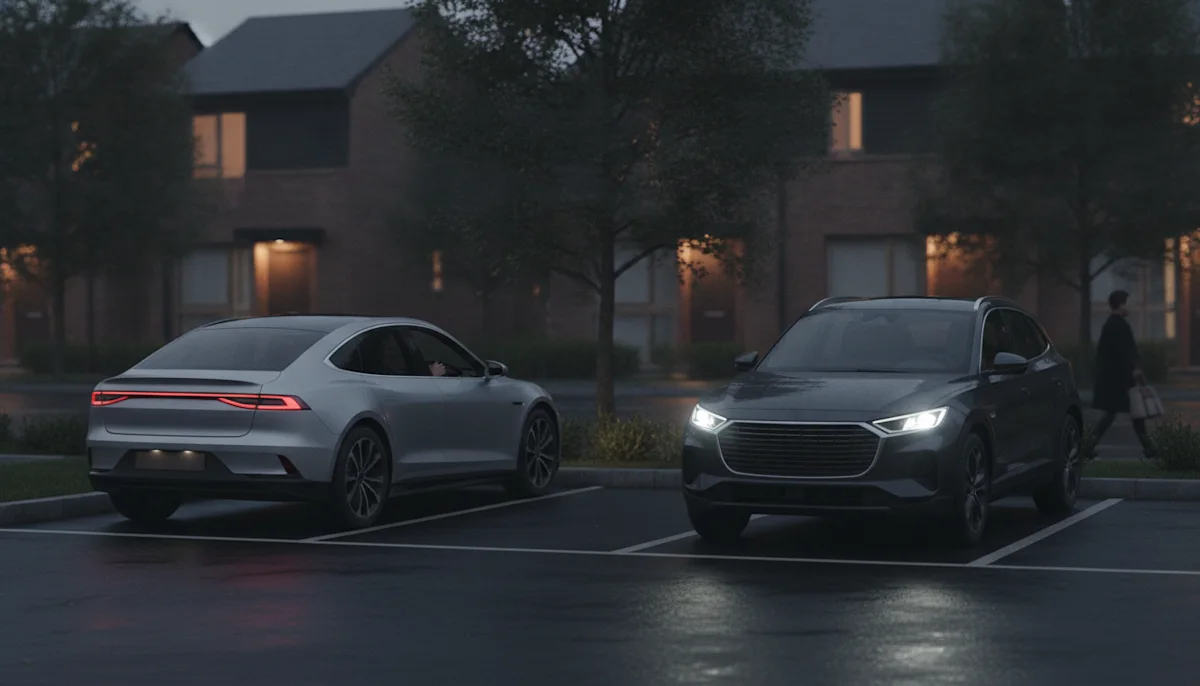
Subscribers leave when the next car stops feeling exciting. A swap screen that renders the candidates beautifully, in the subscriber's preferred colour, makes staying the interesting option, and it costs a request parameter.
 Full make & model coverageCurrent cars, discontinued ones, and the generations in between, each under the name its own manufacturer used.
 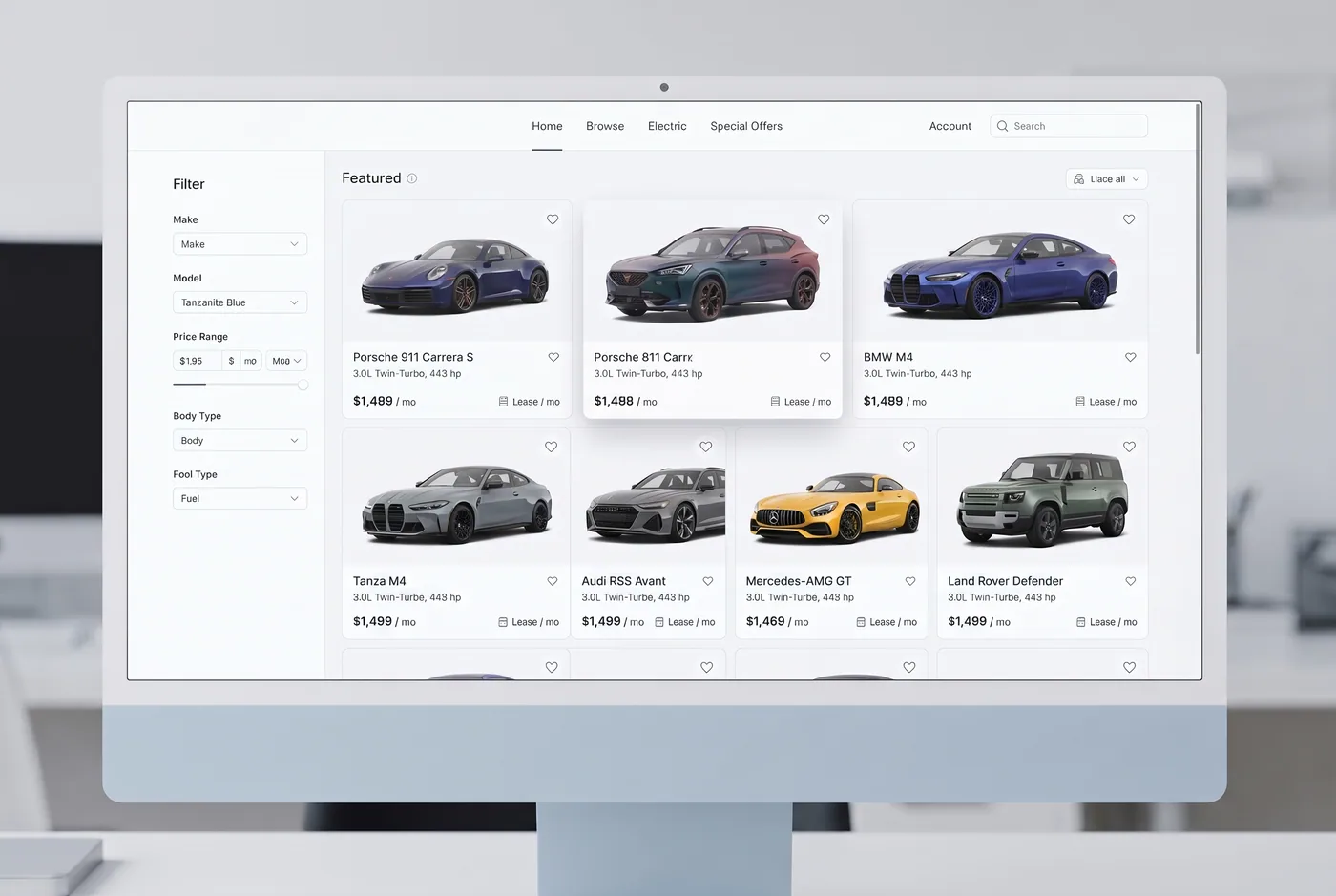 Every paint colorRequest any vehicle in any available factory color, rendered on demand.
 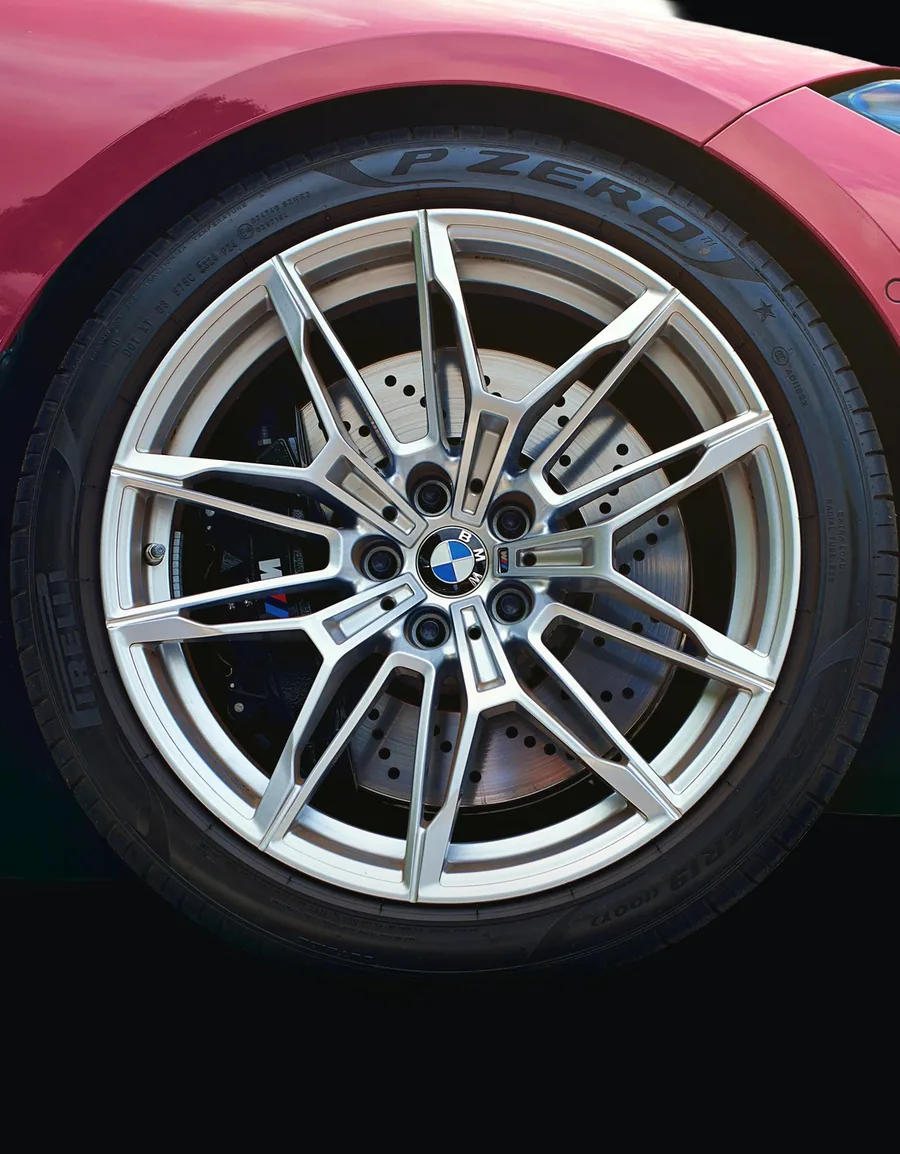 Multiple anglesEvery exterior angle plus interior views, front, sides, rear, three-quarter and cabin, all in consistent studio light.
 Shadows, reflections & transparencyDrop shadows, contact grounding, floor reflections and transparent PNG backgrounds.
 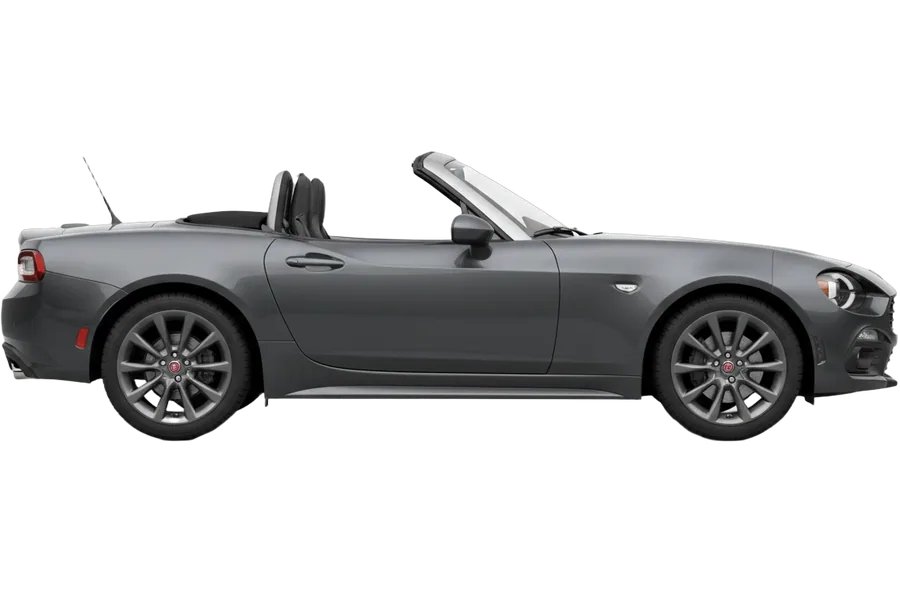 GET /vin/JC1NFAEK5J0134782GET /plate/HH-VI-124GET /api/search?q=fiat 124 spider "vin": "JC1NFAEK5J0134782", "image": "https://cdn.vehicleimagery.com/…"Vehicle images by VIN, plate or searchPass a VIN, a license plate or a make & model search, and get the exact vehicle back.
Subscription fleets rotate constantly, and every rotation used to mean chasing photos. When imagery resolves from the fleet table, adding a model is a data change, and the app is correct the same minute.
Our swap screen used to be a text list. Rendering the candidates in the member's colour changed swap behaviour enough that retention noticed it in the numbers.
Yes, because there is no photo step to lag behind. The fleet table drives the lookup, so imagery is current the moment the data is.
Colour is a request parameter, so browse and swap screens can render any factory colour live. Showing the subscriber's stored preference is one line of personalisation.
Request the width each screen renders and use WebP. Cards, detail views and the swap comparison each pull their own size from the same catalogue, which keeps the app light.
Once a VIN is assigned, resolve by VIN, and the handover screen shows the exact vehicle. Before assignment, the model and trim image carries the flow honestly.
Rendered imagery does not need the car to exist near a camera, so announced additions are pictured from specification data before the first unit lands.
As one integration: a lookup keyed on your fleet table, cached in your stack. Most teams ship browse first, then the swap flow, on the same plumbing.
Car subscription is a retention business wearing an acquisition costume. The app that signs a member up is the same app that must keep them curious months later, and the fleet imagery is most of what that app has to work with. A browse screen assembled from mismatched importer photos undermines the product's whole premise, which is that this is a smarter, lighter way to have a car.
Subscribers window shop between swaps the way streaming users browse between shows. Consistent studio imagery across the entire fleet keeps that browsing pleasurable and comparable: every car in the same framing, every tier visually coherent, every colour available on demand. The fleet feels curated because it looks curated.
The best property of resolved imagery is what stops happening: no photo requests when fleet ops adds a model, no asset folder drifting out of date, no designer in the loop for a data change. Subscription runs on operational speed, and the image layer finally moves at it.
Retention concentrates in the moment a member considers their next car. Rendering swap candidates in identical framing, in the member's own colour preference, makes the upgrade tangible in a way a spec table never will. Teams that instrument the swap funnel see the effect directly, which is why the swap screen, not the landing page, is where subscription imagery earns its keep.
Tell us your fleet size and what the app needs first. You get images for your actual fleet and the licence text for app and paperwork.